Built with AI
I’ve been using AI-assisted development to take product ideas from design into working software. Building beyond the interface has deepened my understanding of technical constraints, product architecture and the decisions that shape implementation.
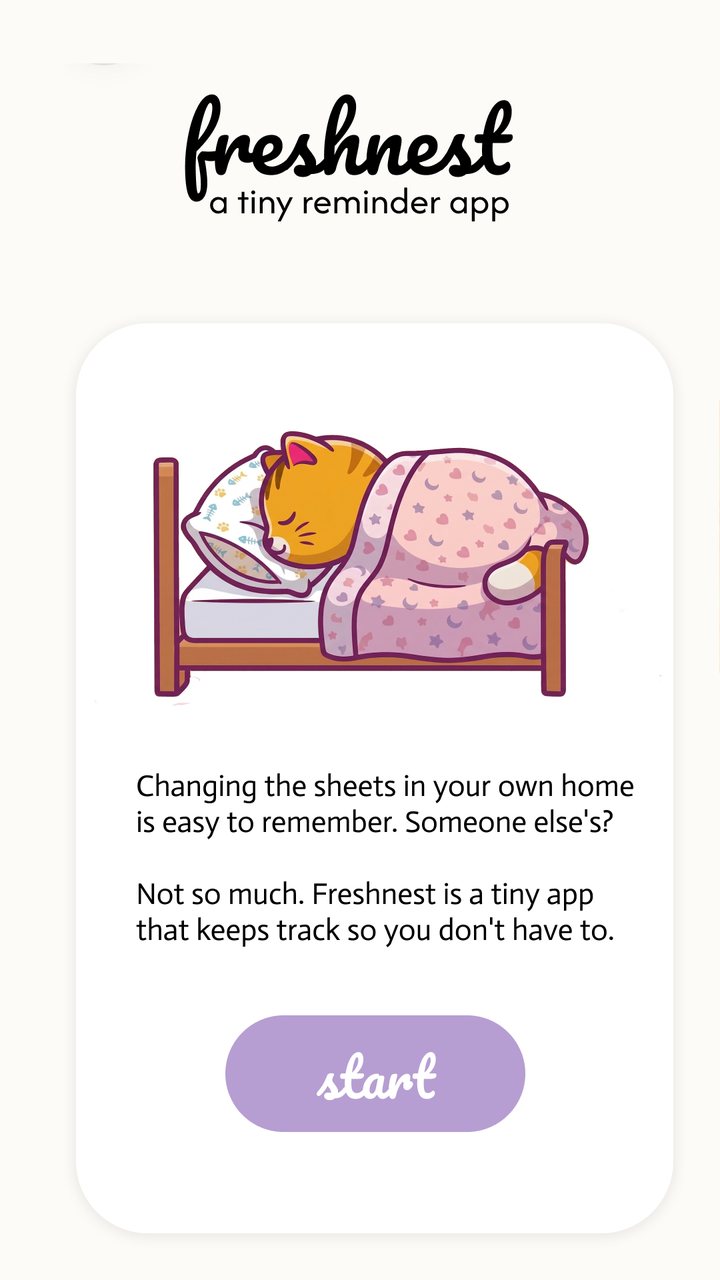
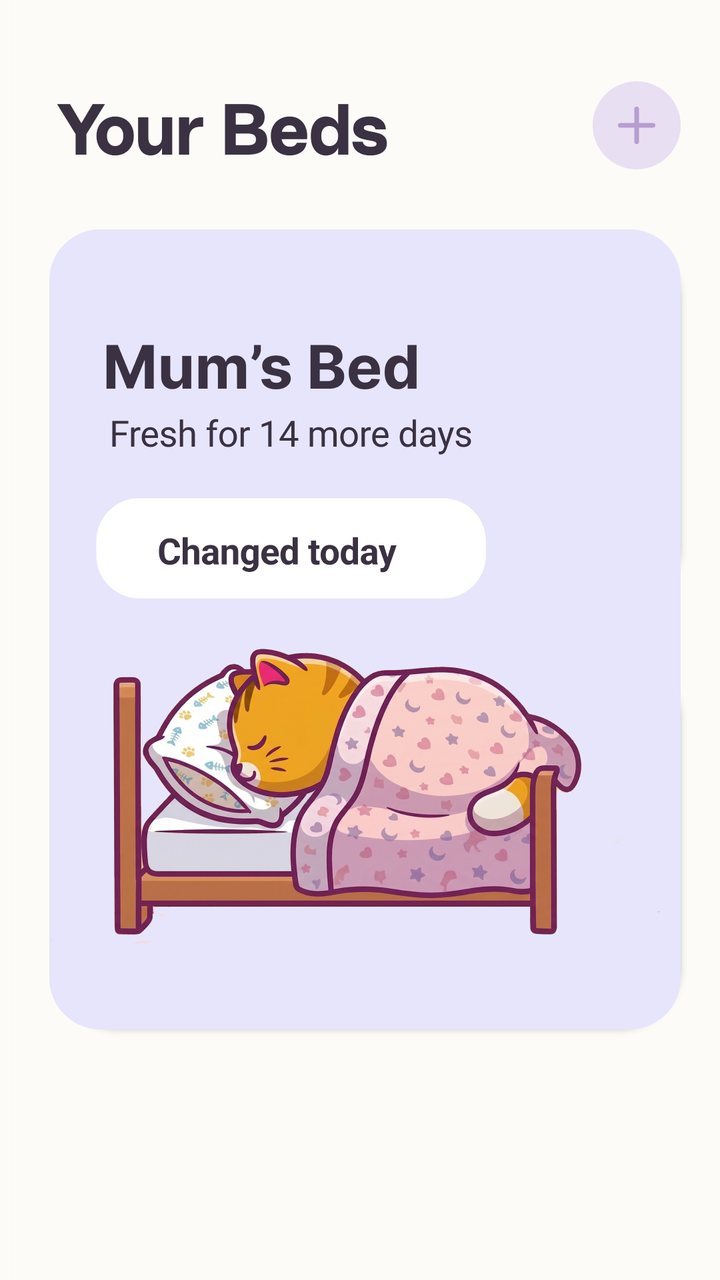
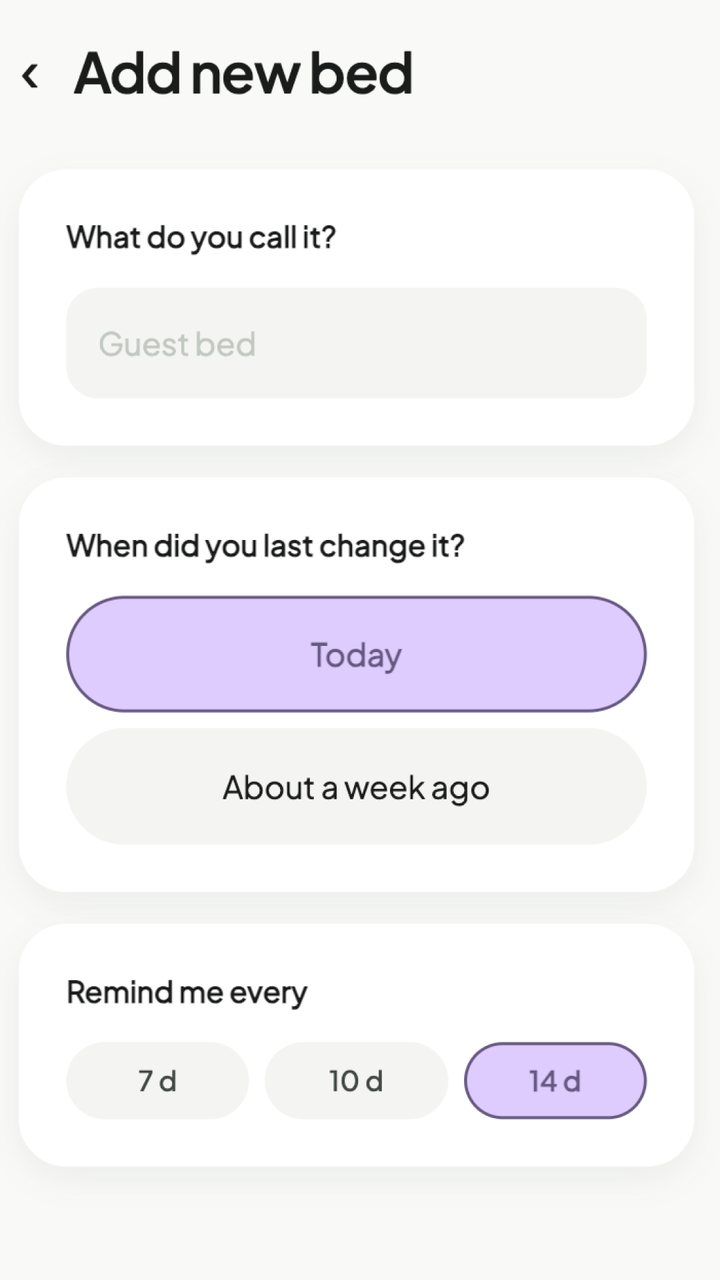
Fresh Nest
PRD , then design , then Android build , then Google Play Console
In Play testing
- ProblemHome carers looking after older people have a lot to keep on top of. Changing bed linen is easy to lose track of, especially across more than one bed.
- What I didI wrote the PRD, designed the app and built it with AI through to Google Play testing. I kept it to one job: each bed shows how many days it has left, and one tap marks it changed.
- The hard partHow many systems have to connect for an app to reach people: the app itself, accounts, Buy Me a Coffee for supporters, and the Play Console with its own testing and review steps.
- ResultIt’s in Google Play testing. I now design with the whole chain in mind, not just the screens.
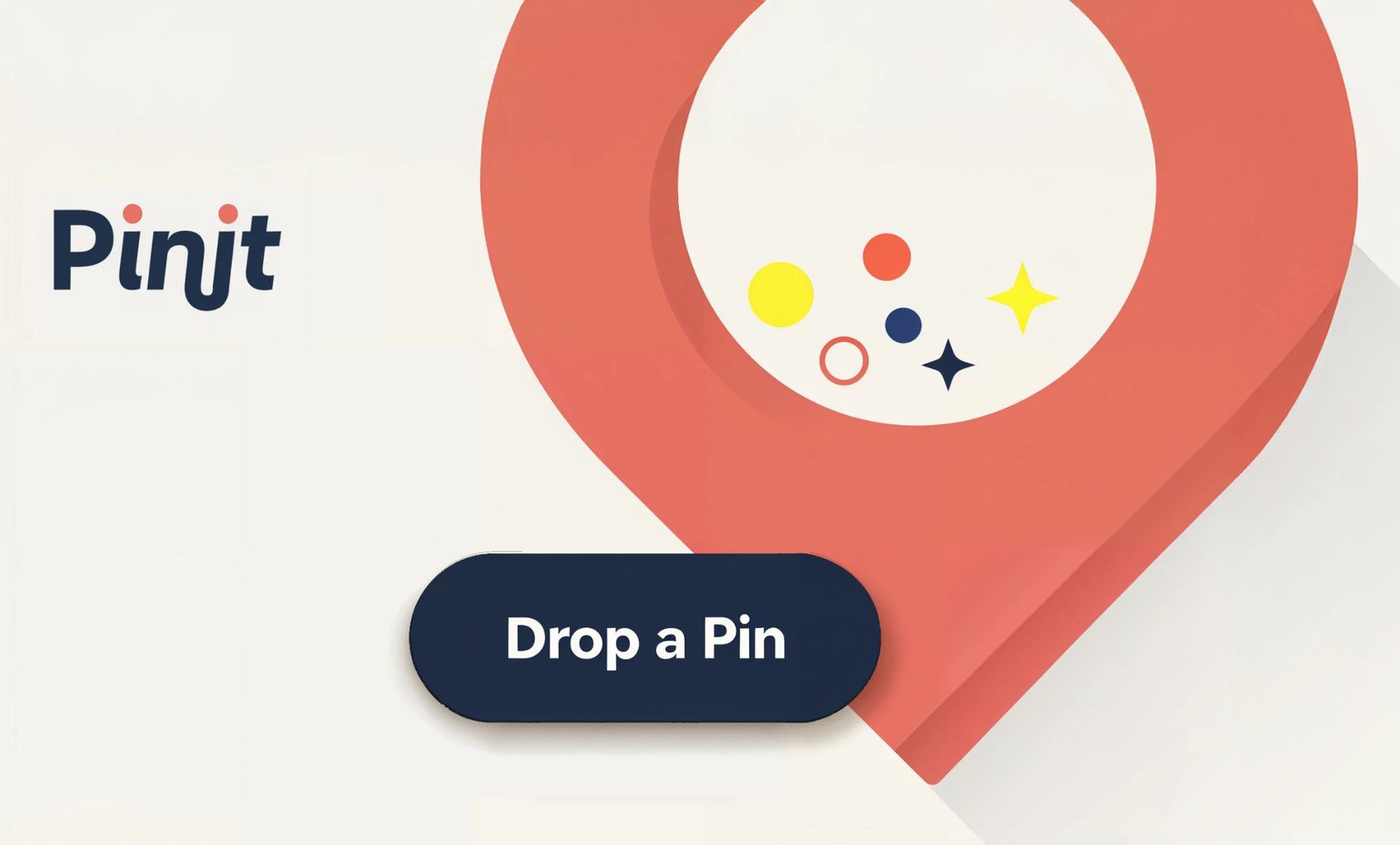
Designing for the car
Idea , then Android Auto build , then my car
Sideloaded, in use
- ProblemI wanted to pin things while driving.
- What I didI designed and built an Android Auto app around one large button. When publishing would have meant adding more actions to meet Google’s rules, I chose to keep it as a one-tap personal tool.
- The hard partAndroid Auto is tightly controlled, because the person using it is driving.
- ResultIt runs in my car as a sideloaded app. It taught me to design inside a platform’s constraints rather than around them.

OVERMIND
Role design , then Obsidian + Claude
Used daily
- ProblemMy ideas were all over the place: notes, screenshots, chats. I wanted one central place, and an AI that could cross-reference them and pull out connections I’d miss.
- What I didI designed the AI’s role as a librarian: what it can edit and what it can only read, when to act and when to ask, what stays private, and how rejected suggestions are remembered so they aren’t offered again.
- The hard partWorking out what to capture. Remembering to buy toothpaste doesn’t need cross-referencing. I had to define what counts as an idea, what’s just a task, and when a small idea has earned its own page.
- ResultOne place where ideas collect and connect. It’s the same thinking products need when they add AI agents.
How I design a product with AI
Claude Code · Figma MCP
There are plenty of AI tools made just for designers, and they’re good at producing screens. But a product is more than its screens. I get further with a general-purpose AI that holds the whole thing at once: the design, the logic, the copy and the code. Today that’s Claude Code connected to Figma.
Tools are changing fast, and what works this year may be overtaken next year. The process underneath is what lasts.
- Context
- I look at how comparable products solve the same problem, and check ideas against established usability research, before designing anything.
- Users
- AI helps me read what people already say online, in reviews, forums and app store comments, so my interviews start from real questions. I talk to the people the product is for, and AI helps me find the themes across what they tell me.
- Foundations
- Spacing, type and colour become tokens, shared between Figma and code.
- Explore
- Six layouts that are genuinely different, not six colour schemes.
- Narrow
- I pick the strongest and change one thing at a time: density, hierarchy, navigation or the main action.
- Refine
- Small passes, each saved before the next, so every decision can be traced back.
- Test
- Back in front of users, and checked for accessibility. Then round again.
AI makes options cheap. Choosing the right one is still the job.